Competition Rules

Rules

Review each event format, equipment, arena layout, procedures, and scoring standards in one place.

01

Overview

Check the win condition and eligibility for Color & Score Connect.

RULE 01

Color & Score Connect

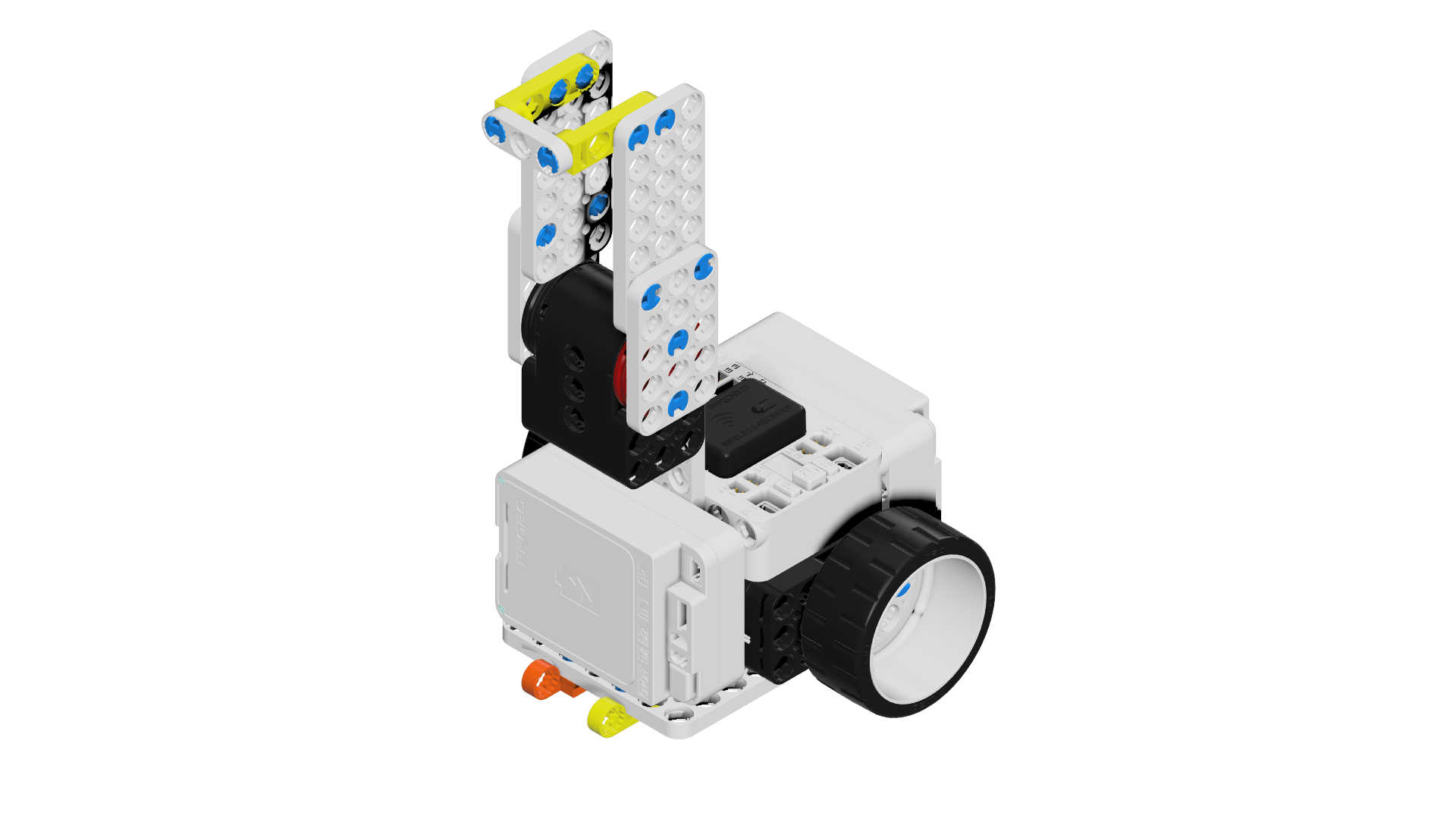
Use a Connect robot to change the battle switches to your team color, and the player with more switches in their team color at the end of the match wins.

Mission Touch mission
Accuracy Accuracy
Record Finish time
Operation Match attitude
Color & Score Connect hero image
02

Parts

Review pre-match preparation, build rules, batteries, wheel standards, and quantity limits in order.

1

Pre-match preparation

The robot and its operating program must be prepared in advance so the match can begin immediately after entering the venue.

2

Build standard

Build the robot primarily with Probo Connect parts.

3

Battery rule

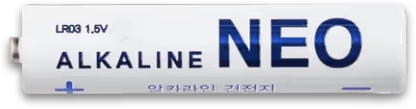
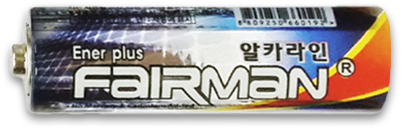
Only AA battery cases are allowed, and rechargeable batteries are prohibited. Battery inspection takes place before every match for every player. Any battery outside the rule leads to disqualification. Build the robot so battery inspection is easy.

※ Allowed battery spec: only batteries that do not exceed 1.5V, namely alkaline NEO batteries (white AA) and alkaline FairMan (AA).
Alkaline NEO (AA)
Alkaline NEO (AA)
Alkaline FairMan (AA)
4

Wheel usage standard

When building the robot, only the standard Probo Connect wheel may be used, and other wheel types are restricted.

※ Not allowed: caterpillar tracks, caterpillar tires
Standard wheel
Standard wheel
5

Quantity limit

Motor, wheel, and controller quantities are limited as follows.

01

Drive motor choice

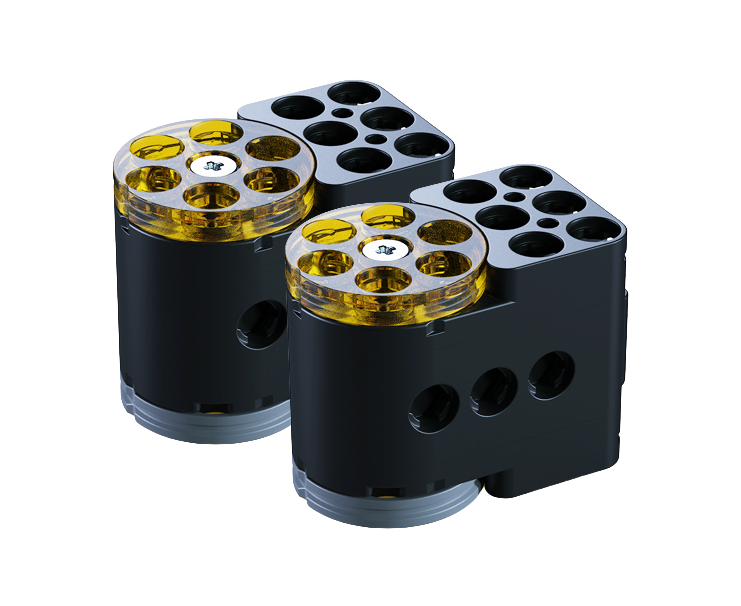
  • Use either the Connect motor or the Connect high-speed motor.
Connect motor
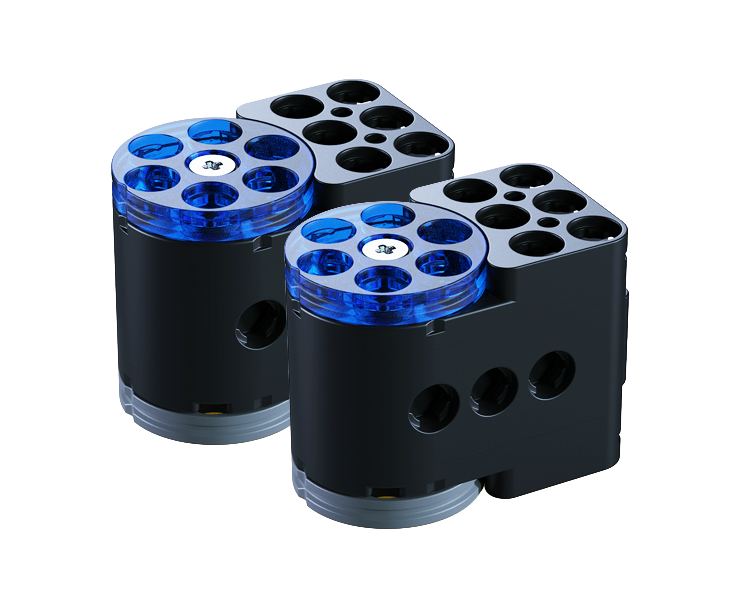
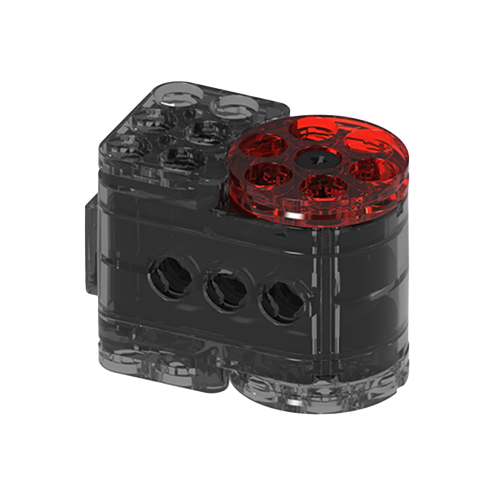
Connect motor Motor block 2
Connect high-speed motor
Connect high-speed motor High-speed motor block 2
02

Other part limits

  • Review the servo motor, controller, battery, and wheel quantities.
Connect servo motor
Connect servo motor Servo motor block 1
Connect controller
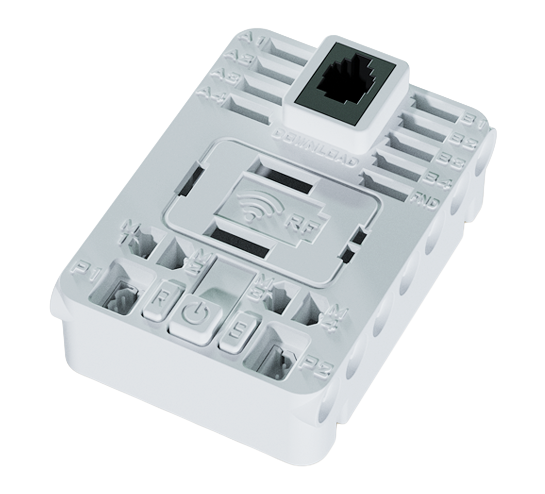
Connect controller Controller 1
Connect battery
Connect battery Battery case 2
Connect wheel
Connect wheel Wheel block 2
03

Robot Size

Check the robot dimensions, measurement standard, and allowed transformation range during the match.
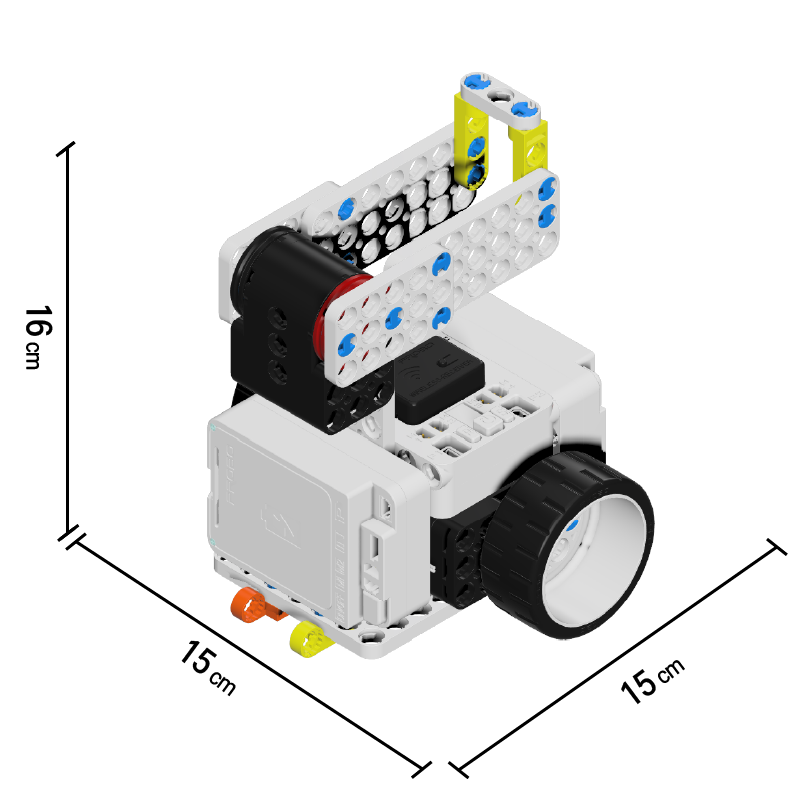
Robot dimensions

  • X 150mm · Y 150mm · Z 160mm

Measurement and in-match allowance

  • The standard is measured with both wheels touching the floor and the press plate folded while power is off.
  • During the match, only robot transformation caused by the RF controller is allowed.
Color & Score Connect robot size image
04

Arena

Review the arena base specs and on-site variation notices.

Arena Base Specs

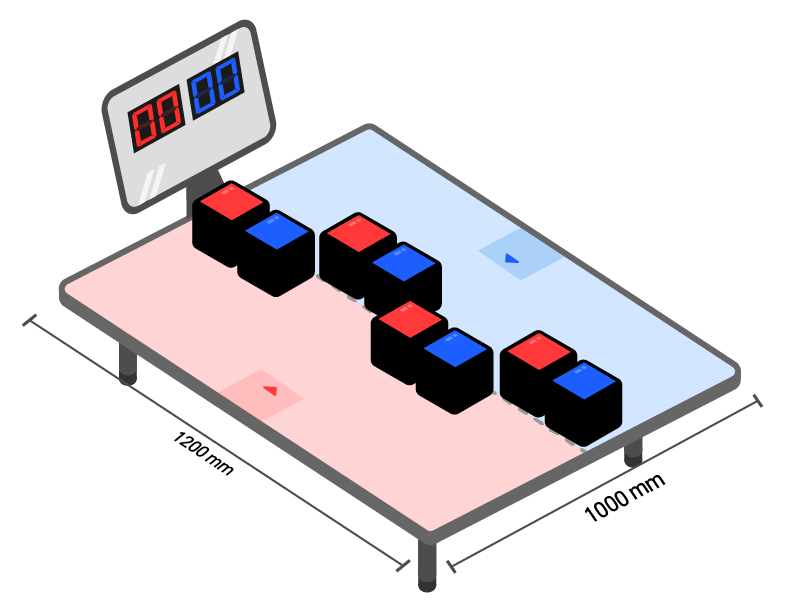
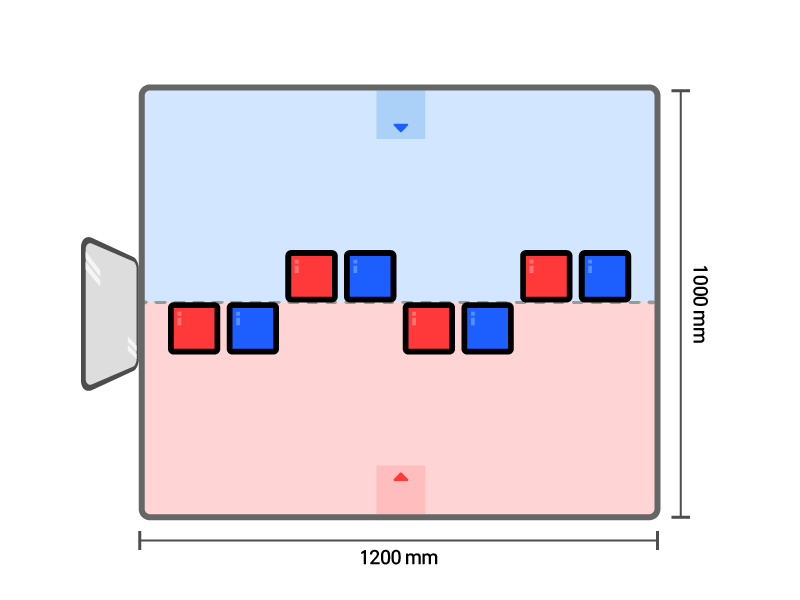
  • Width 120 cm × Depth 100 cm × Height 35 cm (Material: PET)

On-site Variation Notice

  • A slope may occur depending on the venue.
  • Each arena may have an error of about 1 to 2 cm.
  • Installation status and operating standards may partially change depending on event operations or venue conditions.

Robot placement guideline

  • Before the match starts, the robot may be placed facing any direction within the inner area of the start line Color & Score Connect red start line iconColor & Score Connect blue start line icon .
Color & Score Connect arena front view
Color & Score Connect arena top view
05

Battle Switch

Check the battle switch input standard and rematch conditions.

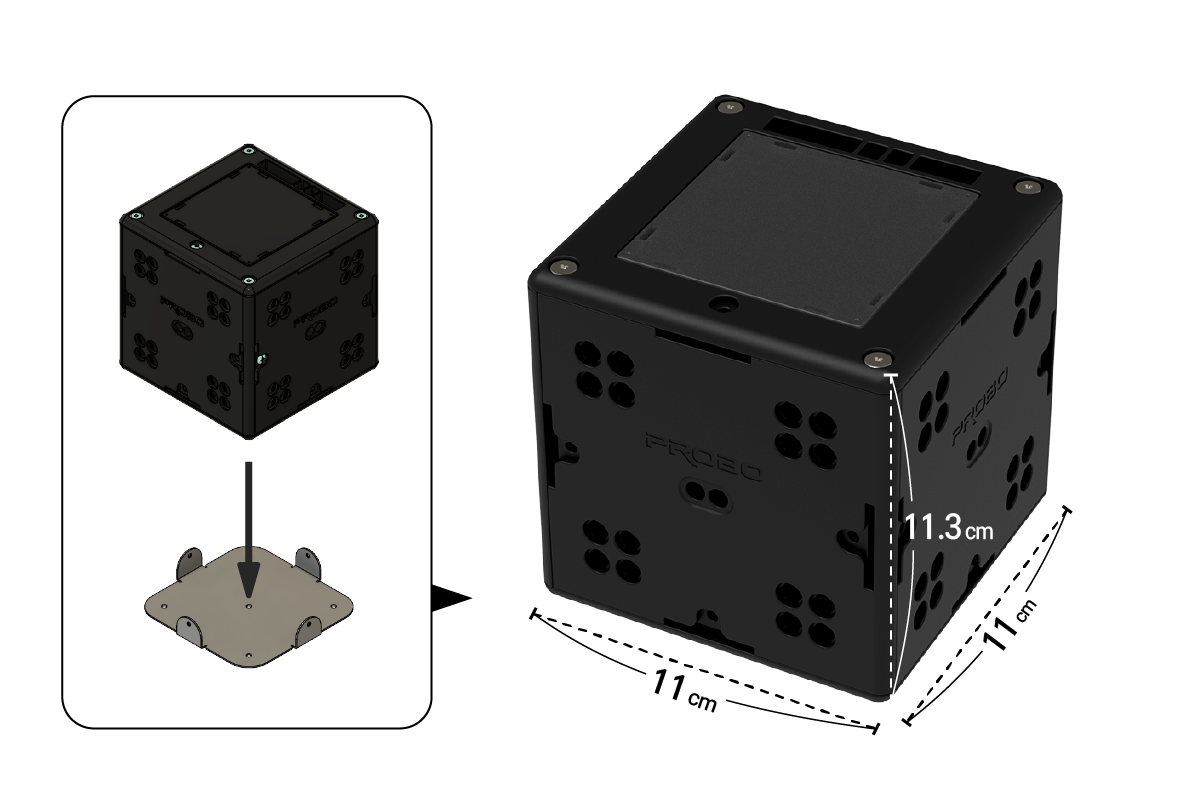
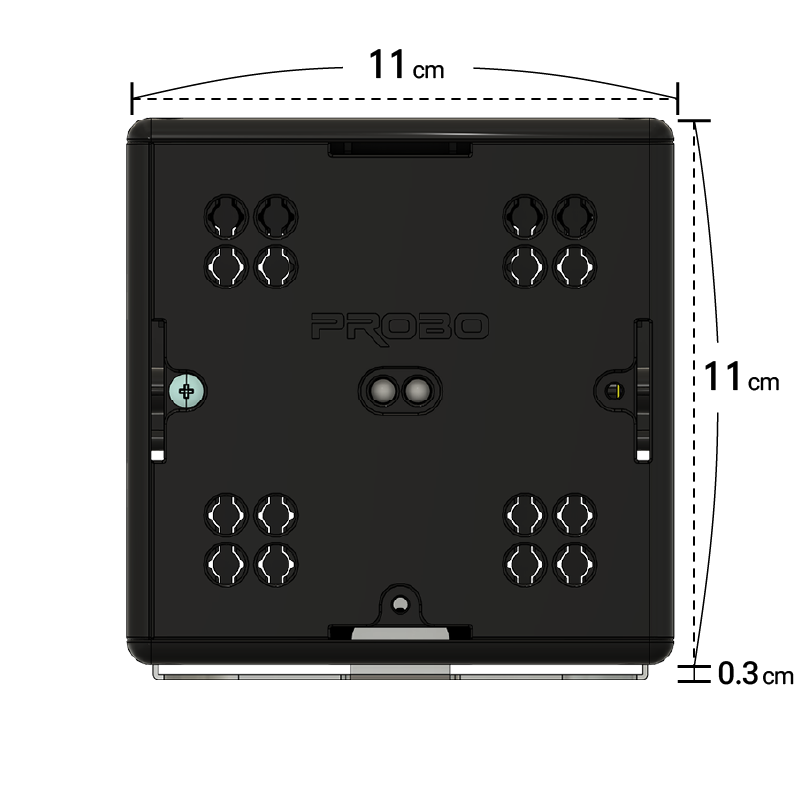
Battle switch exterior
Battle switch exterior 11 cm cube reference for width, depth, and height
Bracket mounting standard
Bracket mounting standard 11.3 cm height reference including the bracket
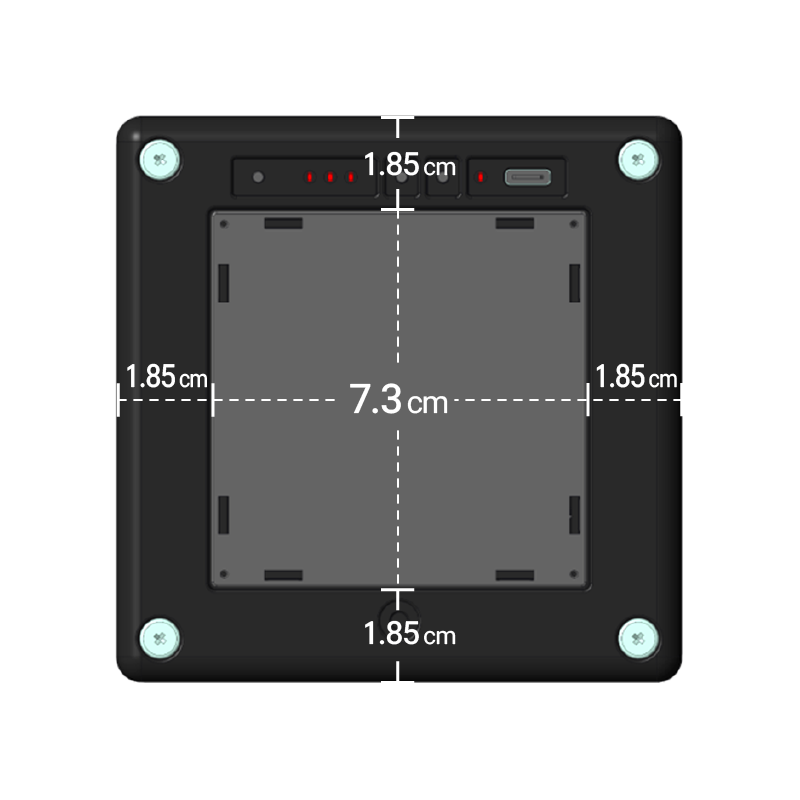
Top button standard
Top button standard Button 7.3 cm and border 1.85 cm reference

Battle switch input standard

  • If you press diagonally or on the outer border, the input may not register correctly.
  • Battle switch faults, broadcast device errors, and natural disasters qualify for a rematch.
  • Robot defects or lost parts during a match do not qualify for a rematch.
06

How to Play

Review battle-switch score changes and the total-score win condition step by step.

Summary

  • Raise the total of the numbers in your team color.
  • Use a Technic robot to press battle switches in your team color and change them to higher numbers. The player whose team color has the higher total wins.
1

Match start

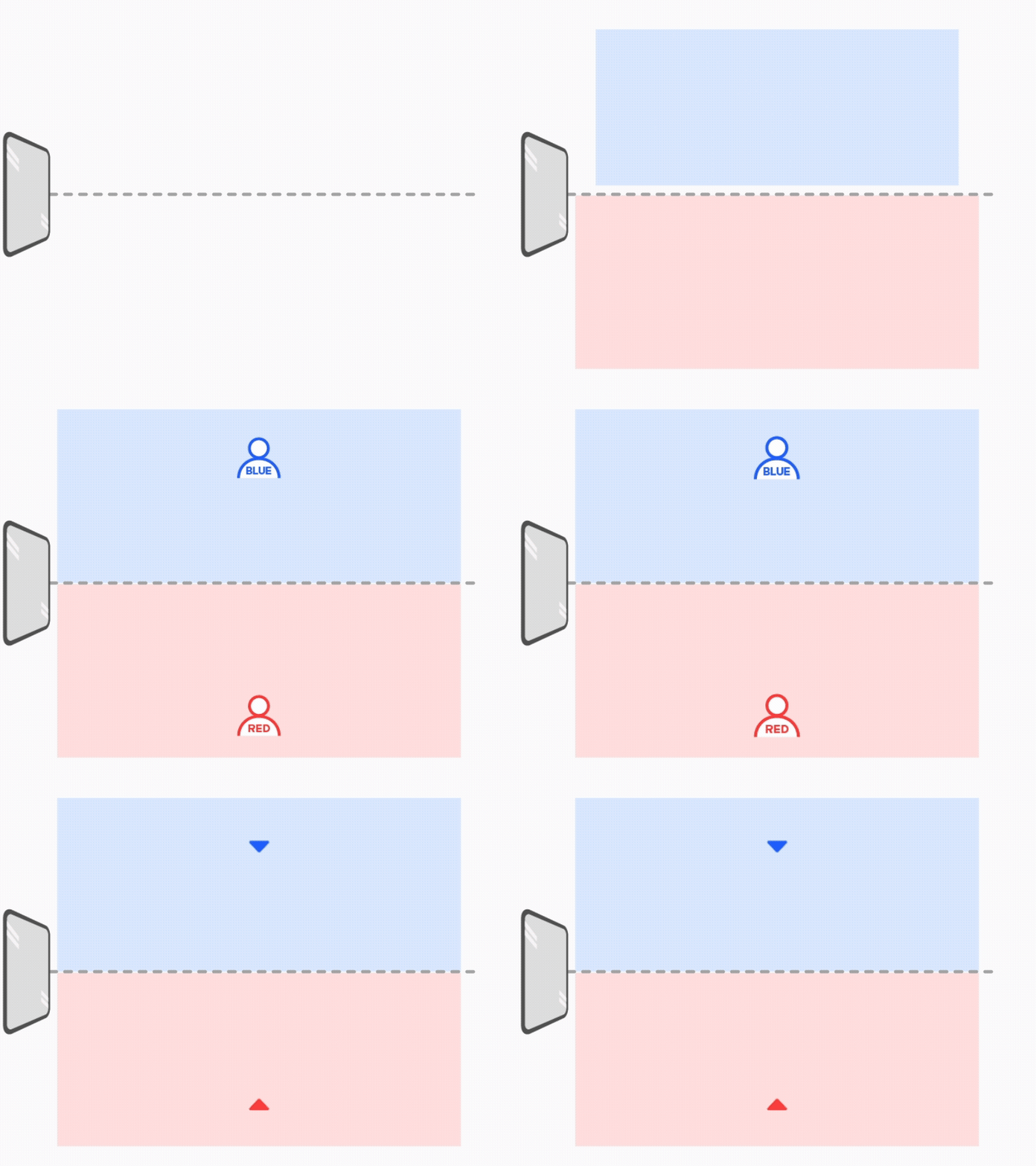
  • Two players face each other in an arena divided into red and blue zones.
  • Before the match starts, each player places the robot at the lower center of their own zone.
Color & Score Connect match start example
2

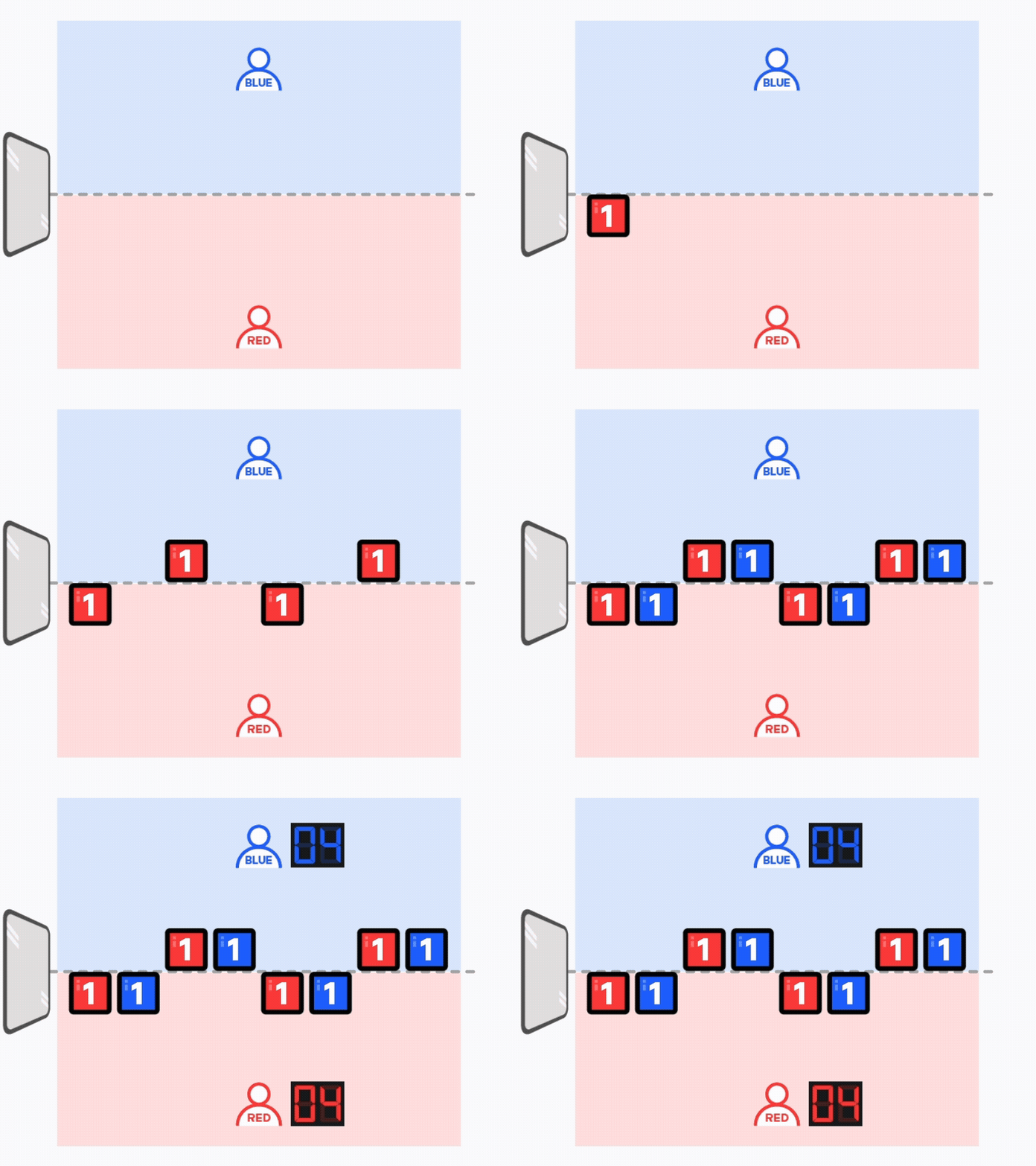
Initial score

  • When the match begins, each team starts with four battle switches in its own color.
  • Each battle switch starts displayed as 1 point.
  • Both teams start with a total score of 4 points.
Color & Score Connect initial score example
3

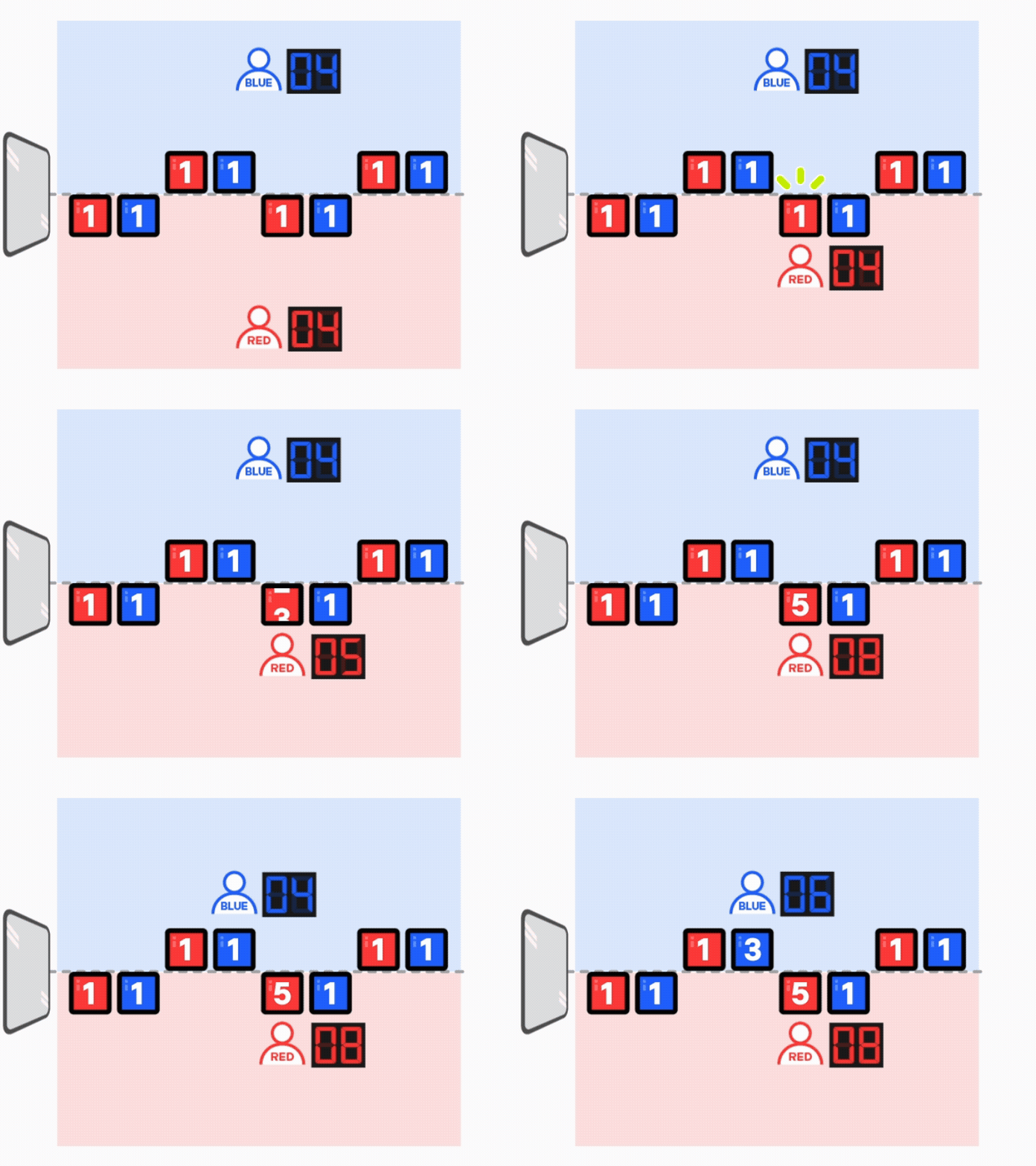
Higher number change

  • Press battle switches in your team color to change them into higher numbers.
  • Repeat the same action.
  • Scores are displayed from 1 to 5 points.
Color & Score Connect higher number change example
4

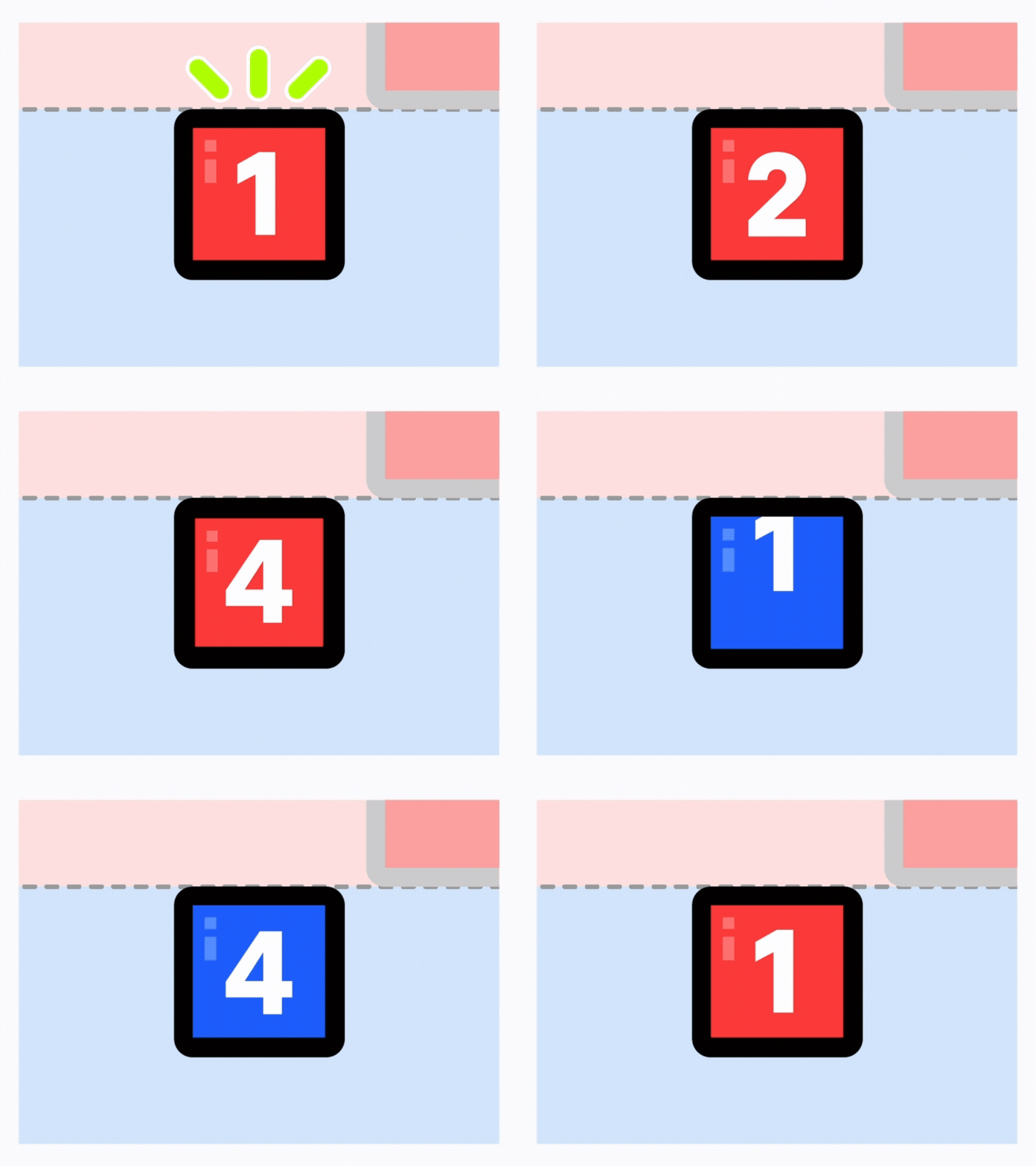
Score change rule

  • When you press a battle switch, the score changes as follows.
Color & Score Connect score change rule zoomed example
5

Win condition

  • The player with the higher total of battle switches in their team color wins.
Color & Score Connect win condition example
6

Match end

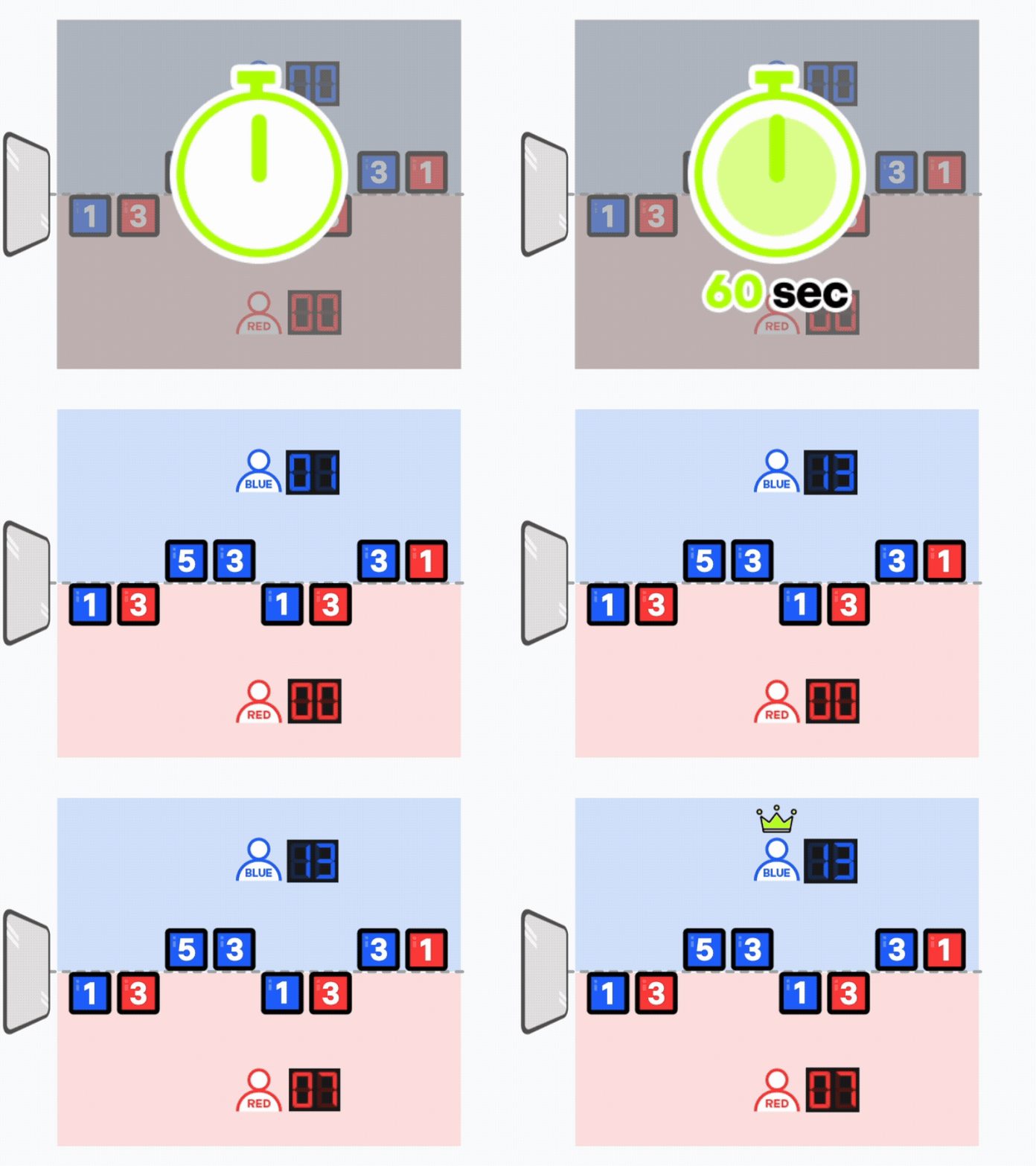
  • Each match runs for 60 seconds.
  • If the match is still tied after 60 seconds, play continues until a winner is decided, and the player who scores first wins.
7

Match video

07

Notices

Check battle switch input, robot recovery, and warning standards.

In-match caution standards

Warning
  • Switch input If the switch is pressed diagonally, the input may not register correctly.
  • Robot recovery ① If the robot overturns or falls and can no longer be controlled wirelessly, the player must restore it directly and continue the match from the original position.
    ② If the robots become tangled and neither can move, the referee may place each robot at the lower center of its team zone.
    ※ Match time continues to run in both situations.
  • Warning / disqualification Touching the robot by hand when it is not a malfunction situation results in one warning, then disqualification on the second offense.
08

Format

Check the bracket flow and award allocation for each participant count.

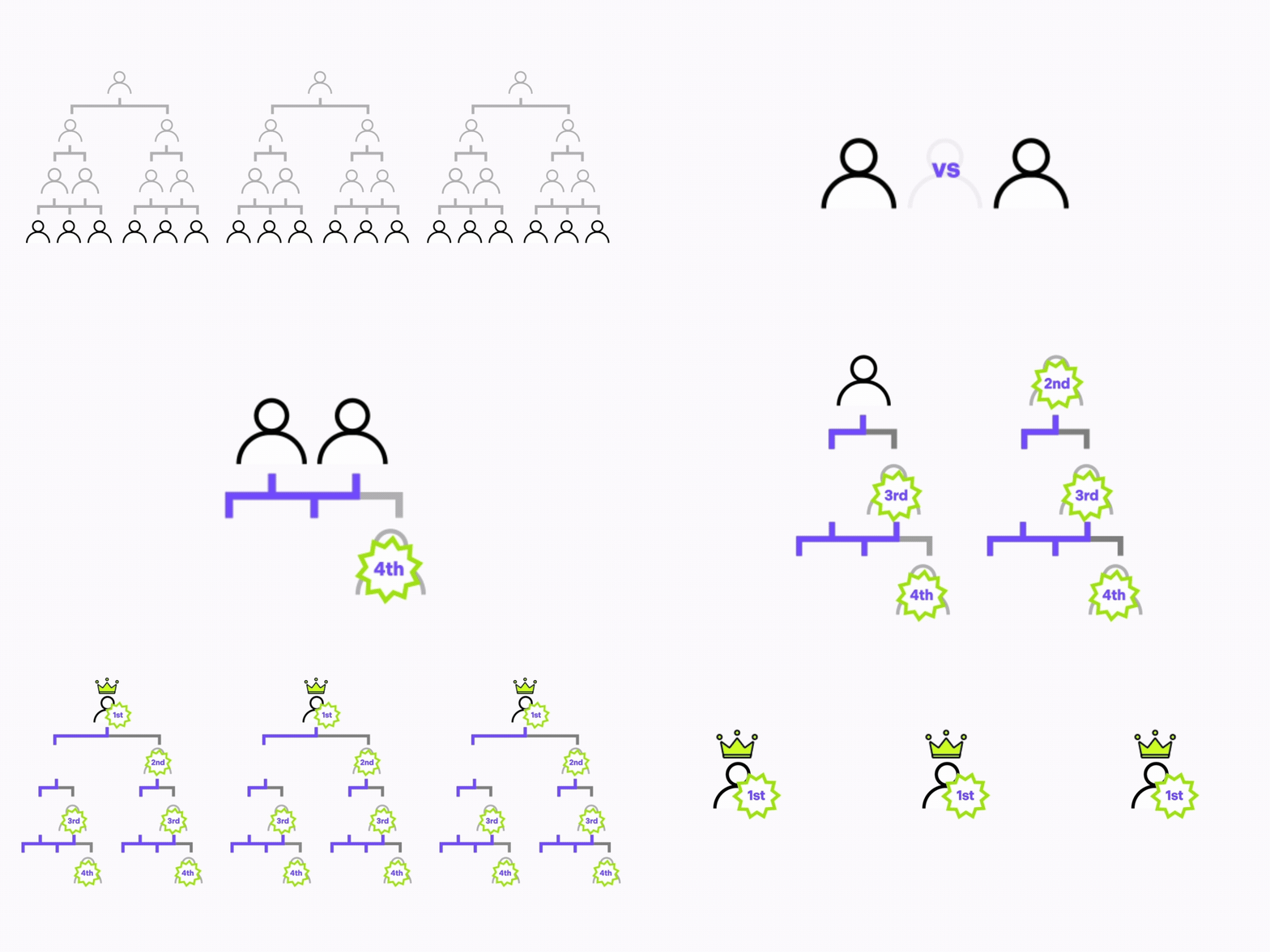
12 Players

Review the 12-player bracket flow and award allocation.

12-player format animation
  • A: Preliminary league -> 4 eliminated players receive Encouragement Award
  • B: Semifinal tournament -> 4 eliminated players receive Bronze Award
  • C: Final tournament -> 2 eliminated players receive Silver Award, 2 winners receive Gold Award

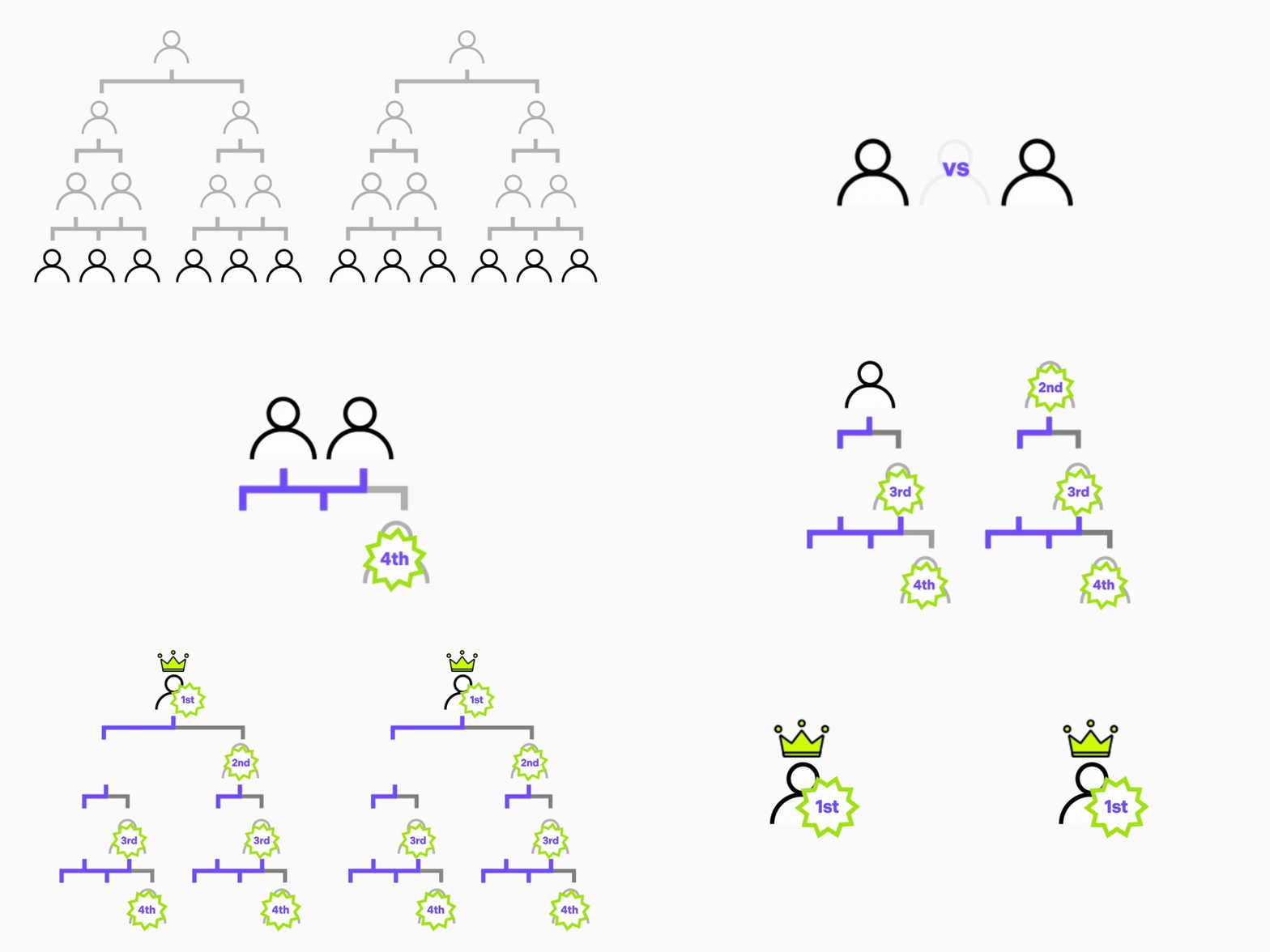
18 Players

Review the 18-player bracket flow and award allocation.

18-player format animation
  • A: Preliminary league -> 6 eliminated players receive Encouragement Award
  • B: Semifinal tournament -> 6 eliminated players receive Bronze Award
  • C: Final tournament -> 3 eliminated players receive Silver Award, 3 winners receive Gold Award

24 Players

Review the 24-player bracket flow and award allocation.

24-player format animation
  • A: Preliminary league -> 8 eliminated players receive Special Award
  • B: Round of 16 tournament -> 8 eliminated players receive Encouragement Award
  • C: Quarterfinal tournament -> 4 eliminated players receive Bronze Award
  • D: Final tournament -> 2 eliminated players receive Silver Award, 2 winners receive Gold Award

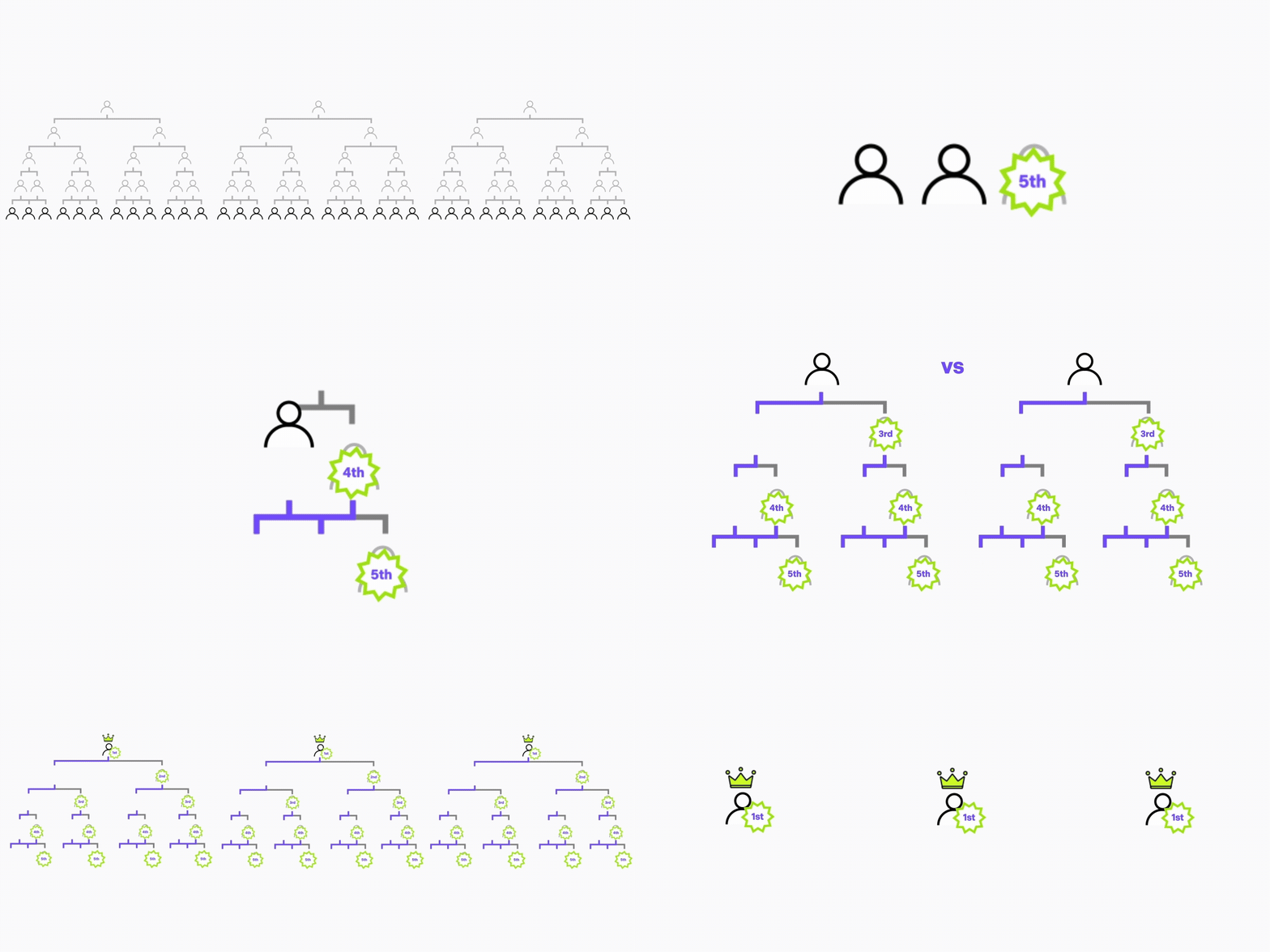
36 Players

Review the 36-player bracket flow and award allocation.

36-player format animation
  • A: Preliminary league -> 12 eliminated players receive Special Award
  • B: Round of 24 tournament -> 12 eliminated players receive Encouragement Award
  • C: Round of 12 tournament -> 6 eliminated players receive Bronze Award
  • D: Final tournament -> 3 eliminated players receive Silver Award, 3 winners receive Gold Award